Understanding TradingView: A Comprehensive Overview
In the fast-paced world of trading, having the right tools is essential for making informed decisions. TradingView stands out as an indispensable platform for traders of all levels, offering a feature-rich environment that combines real-time market data, advanced charting tools, and collaborative features. This article will dive deep into what TradingView is, its main capabilities, and how it can enhance the trading experience across various markets. As we explore its functionalities, we will address common questions and guide you through the best practices for maximizing the use of this powerful platform.
What is TradingView?
TradingView is a comprehensive charting and social networking platform for online traders and investors. Founded in 2011, it has rapidly grown to become one of the most popular platforms used globally. The service offers tools for analyzing financial data from various markets, including stocks, forex, cryptocurrencies, and commodities. Users can access sophisticated charting tools and real-time market information from their web browser, desktop applications, or mobile devices, which makes it a versatile choice for traders who need flexibility in accessing their trades.
Main Features and Capabilities
TradingView’s extensive range of features is designed to cater to the needs of both novice and seasoned traders. It includes:
- Real-Time Data: Access to the latest market data, ensuring you have the insights needed to make decisions.
- Advanced Charting Tools: Multiple chart types, customizable layouts, and technical indicators help traders analyze trends effectively.
- Social Networking Features: Users can publish their analysis, share ideas, and follow other traders, creating a community-oriented environment.
- Alerts System: Set alerts for price movements or technical conditions to stay informed without constant monitoring.
- Market Screening Tools: Filter assets based on various criteria, making it easier to find trading opportunities.
How TradingView Enhances Trading Experience
Beyond the basic functionalities, TradingView enhances the trading experience through its user-centric design and collaborative features. The platform allows for seamless communication among users. Traders can comment on charts, share insights, and even collaborate on trading strategies. This social aspect enables users to learn from each other and stay updated on market trends and sentiment.
Chart Analysis with TradingView
Technical Analysis Tools Available
One of TradingView’s standout features is its array of technical analysis tools. Users can apply various indicators such as Moving Averages, Bollinger Bands, and MACD to their charts. Furthermore, the platform allows for the easy layering of indicators and drawing tools, providing a comprehensive overview of market conditions. Whether you are a pro or just starting, the intuitive interface makes it straightforward to apply these tools to analyze price movements.
Multi-Timeframe Analysis Explained
Multi-timeframe analysis is crucial for traders who wish to understand the bigger picture while fine-tuning their entry and exit points. TradingView supports multiple timeframes, allowing users to switch from a 1-minute chart to a daily or weekly chart with ease. This flexibility enables traders to develop a more holistic view of market trends and make better-informed decisions. By analyzing various timeframes, one can identify overall trends, support/resistance levels, and potential reversal points.
Using Indicators and Drawing Tools
Indicators like RSI (Relative Strength Index) and Fibonacci retracements enhance TradingView's chart analysis capabilities. Users can customize their indicators based on personal trading strategies, which is crucial for developing a unique trading style. The drawing tools allow traders to mark significant levels, trends, and patterns directly on the charts, making it easier to visualize strategies and potential market movements.
Setting Up Alerts on TradingView
Types of Alerts: Price vs. Technical
Alerts are essential in trading, particularly for those who cannot monitor the markets continuously. TradingView supports two primary types of alerts: price alerts and technical alerts. Price alerts notify users when an asset reaches a specified price level, while technical alerts are triggered by certain conditions set on indicators. This allows traders to focus on decision-making rather than monitoring prices.
Configuring Alerts for Maximum Efficiency
Configuring alerts optimally can significantly improve trading efficiency. When setting an alert, users should consider their trading strategy and market behavior patterns. Customizing alerts based on specific technical indicators can reduce noise and help focus on critical movements that could signal trading opportunities. By taking a proactive approach with alerts, traders can react quickly to market changes without being glued to their screens.
Reducing Screen Time with Smart Notifications
The smart notification system in TradingView can reduce the need for constant screen time. Alerts can be sent via email, SMS, or through the app, ensuring that traders receive timely information wherever they are. This feature is particularly beneficial for those who want to balance their trading activities with other commitments, making it a crucial aspect of modern trading.
Cross-Device Functionality of TradingView
Using TradingView on Desktop, Mobile, and Web
TradingView is designed for flexibility, enabling users to access their accounts from any device. Whether on a desktop, laptop, tablet, or smartphone, traders can rely on the platform to deliver consistent performance across all devices. The user interface adapts to different screen sizes, ensuring a seamless experience no matter how you choose to trade.
Synchronizing Data Across Multiple Devices
One of the standout features of TradingView is the ability to synchronize data across devices. This means that any changes made on your desktop version, such as chart layouts or set alerts, will automatically reflect on your mobile device. This cross-device functionality is vital for traders who are often on the go, allowing them to pick up where they left off without any hassle.
Benefits of Multi-Platform Access
The benefits of accessing TradingView on multiple platforms are manifold. Users can quickly switch from in-depth analysis on their desktop to quick checks on their mobile device while out and about. This flexibility ensures that traders can remain engaged with the market at all times, significantly enhancing their trading agility and responsiveness. Maintaining such connectivity is essential for today’s traders in an ever-evolving market landscape.
Common Questions About TradingView
Is TradingView Suitable for Every Trader?
TradingView is an adaptable platform that caters to a broad spectrum of traders, from beginners to seasoned professionals. Its user-friendly interface, combined with powerful features, makes it suitable for anyone looking to improve their trading skills or utilize advanced tools. However, as with any platform, the suitability largely depends on individual trading styles and objectives.
Free vs. Paid Plans: What to Choose?
TradingView offers a variety of plans, including a free tier with essential features and several paid tiers that provide access to advanced functionalities. For beginners, starting with the free plan can be beneficial, as it allows for a hands-on experience of the platform's capabilities. As trading needs grow, upgrading to a paid plan may be necessary to access additional features like advanced charts, more alerts, and priority support.
Do I Need the Desktop Version for Full Functionality?
While TradingView’s web and mobile versions offer robust functionalities, some advanced features are optimized for the desktop experience. The desktop version supports multiple monitors, advanced layout options, and quicker execution of commands, making it ideal for high-frequency trading or extensive analysis. However, most users will find that the web version meets their needs adequately without the requirement for the desktop software.
What Equipment Do I Need to Optimize My Experience?
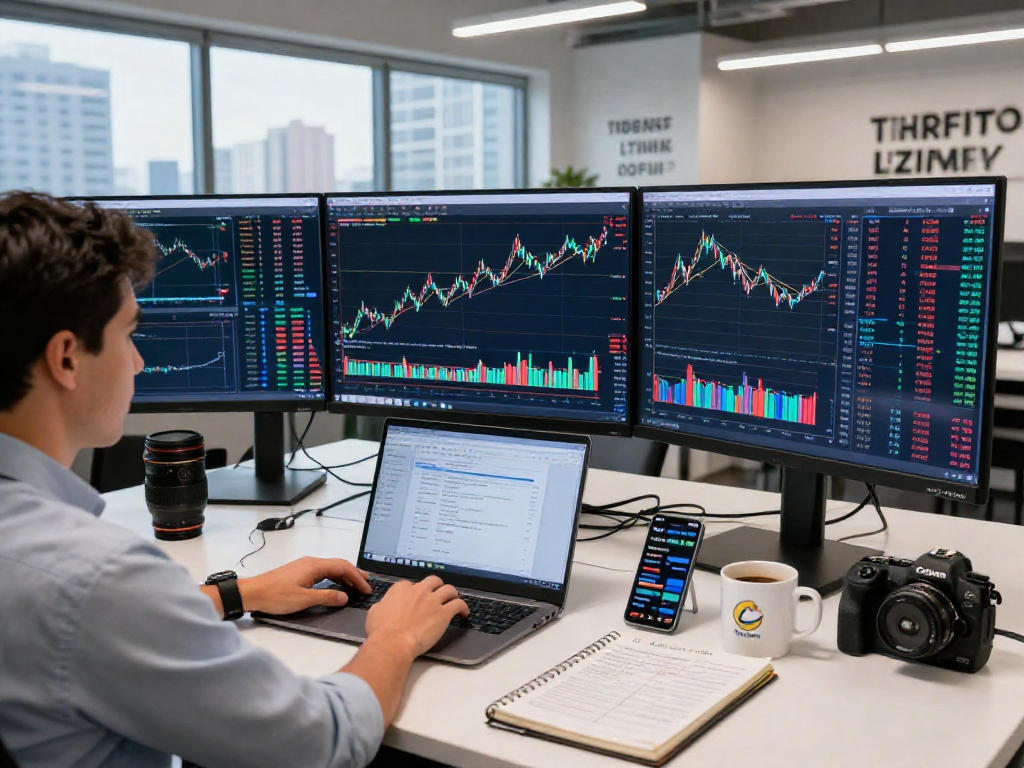
To fully utilize TradingView's capabilities, having a reliable internet connection and a device that supports modern web browsers is essential. For desktop users, a multi-monitor setup can greatly enhance the trading experience, allowing for detailed analysis and simultaneous monitoring of multiple assets. For mobile users, recent smartphones with updated operating systems will provide the best experience on the go.
Can TradingView Replace Professional Investment Advice?
While TradingView is a powerful tool for analysis and trading strategy development, it is important to remember that it does not replace professional investment advice. The platform is designed to provide data and insights that can assist traders in making informed decisions, but users must conduct their own research and consider consulting with financial advisors for personalized investment strategies.